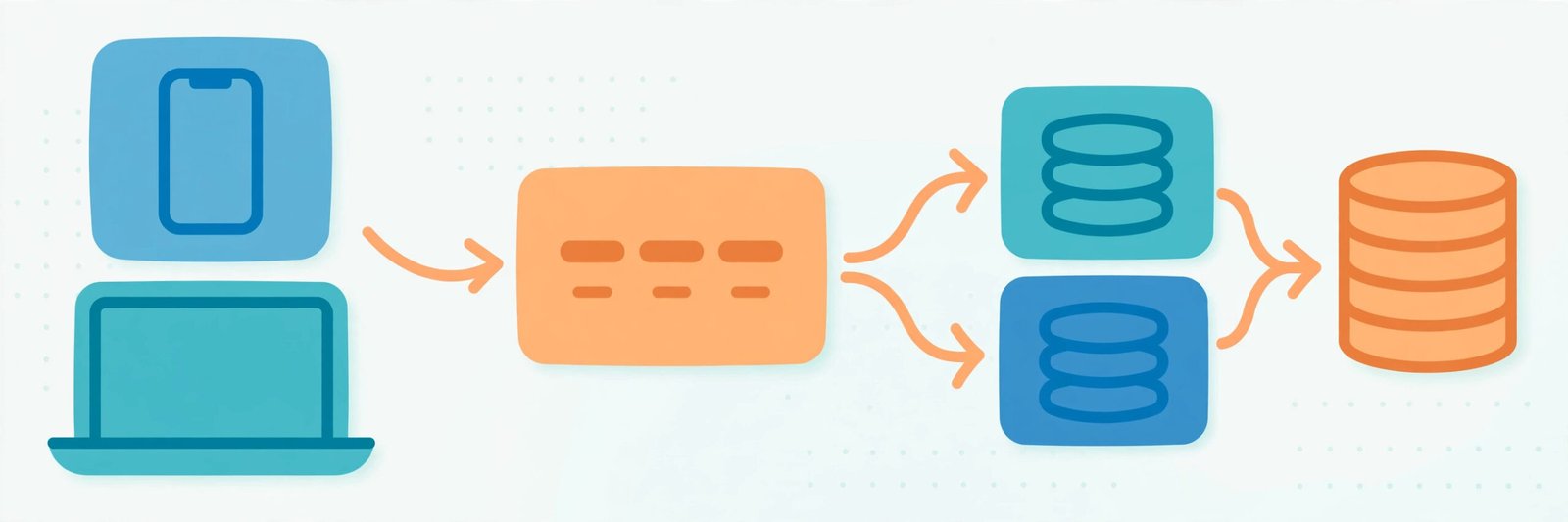
Introduction
Imagine sitting in your home office, looking at a coding challenge for a company based halfway across the world. You know how to build a clean function, write a looping mechanism, and debug a frontend UI component. But then the interviewer drops a massive question: “How would you design a system like Instagram that handles a huge number of photo uploads every minute without crashing?”
Suddenly, knowing how to write a clean for loop isn’t enough.
For many developers looking for remote software engineering jobs, this is where the road gets bumpy. Remote companies, especially those hiring internationally, don’t just want code monkeys. They need engineers who can build software that scales across continents without needing constant supervision.
If you want to land these flexible, high-paying roles, mastering architectural fundamentals is your ticket in. Let’s look at the best way to learn system design basics for remote software engineering jobs without drowning in complex jargon.
Table of Contents
What Are System Design Basics?
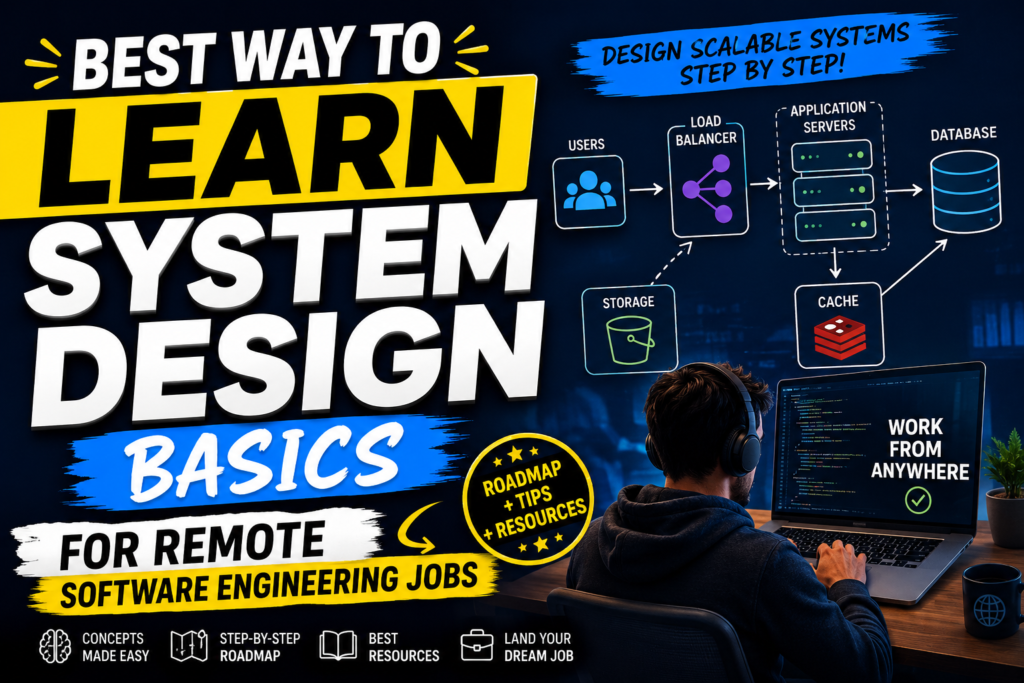
At its core, system design is the process of defining the architecture, modules, interfaces, and data for a system to satisfy specified requirements. Think of it as blueprinting a skyscraper before laying the bricks. Instead of worrying about a single line of code, you are deciding where the databases go, how servers talk to each other, and how to handle millions of users simultaneously. In short, system design basics are the shared vocabulary that lets engineers describe architecture clearly.
When you work locally in an office, you can easily turn around and ask a senior dev why the database is slow. In a remote setup, you are often expected to diagnose these structural bottlenecks yourself. System design is the mental toolkit that allows you to do just that.
Why Remote Roles Prioritize System Design
Remote engineering teams thrive on asynchronous communication. They cannot afford to have a developer who breaks the entire production environment because they didn’t understand how a database cache works. That is why system design basics matter so much for remote roles: clear architecture reduces endless back-and-forth.
When international companies interview remote candidates, they use system design rounds to test your independence. They want to see if you understand the big picture.
A developer who understands system design can be trusted to build features that won’t fall apart under heavy user loads, making them incredibly valuable to a distributed team.
Key System Design Basics to Master First
Before diving into complex architectures, you need to understand the building blocks. Think of these as the primary ingredients in a recipe. A firm grip on system design basics makes every later topic, from caching to queues, far easier to place.
1. Horizontal vs. Vertical Scaling
- Vertical Scaling (Scaling Up): Adding more power (CPU, RAM) to your existing server. It’s like buying a bigger truck. It works until the truck gets too big for the road.
- Horizontal Scaling (Scaling Out): Adding more servers to your pool. It’s like buying a fleet of smaller trucks. This is how modern web applications scale.
2. Load Balancers
A load balancer acts as a traffic cop. It sits in front of your servers and routes incoming client requests across all servers capable of fulfilling those requests. This ensures no single server bears too much weight. Mastering load balancers is a core part of system design basics, since traffic routing shapes everything downstream.
3. Caching
Caching is storing copies of data in a temporary storage location (like Redis or Memcached) so that future requests for that data can be served faster. It prevents your database from getting slammed with repetitive queries. Caching is one of the first system design basics interviewers probe, because it reveals whether you think about latency and cost.
4. Databases: SQL vs. NoSQL
- SQL (Relational): Structured data, uses schemas, excellent for complex queries and transaction-heavy systems (e.g., banking).
- NoSQL (Non-Relational): Unstructured or semi-structured data, highly scalable, great for rapid development and massive data sets (e.g., real-time analytics, user profiles).
How System Design Works in Real Life
When an application like Netflix or Spotify streams content to your device, it isn’t pulling a file from a single giant computer in Silicon Valley. Every layer in that journey is a chance to apply system design basics, from the CDN down to the database.
Instead, your request hits a Content Delivery Network (CDN) closer to your geographic location. If the video file isn’t cached there, the request routes through a Load Balancer to an available microservice, which in this example design could fetch metadata from a read-heavy NoSQL database, all while logging your activity asynchronously via a message queue like Kafka. This is one design option, not a default recommendation — the right database depends on the workload.
Practical Use Cases for Remote Engineers
Understanding these concepts alters how you approach daily tasks. For instance:
- Optimizing Slow API Endpoints: Instead of rewriting a complex SQL query three times, a remote engineer might realize that implementing a simple Redis cache drops the response time from 2 seconds to 50 milliseconds.
- Preventing Data Loss: Knowing how database replication works ensures that if a primary database server in Ireland goes down, a secondary backup in Singapore instantly takes over without data corruption.
Step-by-Step Guide: The Best Way to Learn System Design Basics
Learning this topic can feel overwhelming because there is no single “right” answer to an architecture problem. Here is a structured approach to learning the basics effectively. The secret is that system design basics reward steady, small steps rather than one giant cramming session.
Step 1: Master the Fundamentals
Do not jump straight into building a Twitter clone. Spend your first week learning about basic networking protocols (HTTP, HTTPS, WebSockets), DNS resolution, and the differences between REST and gRPC. These fundamentals are the backbone of system design basics, so do not rush past them.
Step 2: Study Open-Source Frameworks & Tech Blogs
Large tech companies openly share how they solve their scaling problems. Reading the engineering blogs of companies like Uber, Netflix, and Airbnb gives you a front-row seat to real-world system design.
Step 3: Use Visual Tools to Build Blueprints
System design is visual. Start drawing architectures yourself. Tools like Excalidraw, Miro, or Lucidchart are perfect for mapping out how components interact.
Step 4: Practice with Classic Interview Questions
Once you know the pieces, practice putting them together. Try designing simple systems on paper:
- Design a URL shortener (like Bitly).
- Design a chat application (like WhatsApp).
- Design a video streaming platform (like YouTube).
Benefits of Learning System Design
- Command Higher Salaries: System design skills are commonly listed among the better-paid specialisations in remote roles.
- Pass Remote Tech Screenings: Many mid-to-senior remote roles include a system design interview round.
- Write More Resilient Code: You will naturally start writing code that handles failures gracefully because you understand how the underlying infrastructure behaves.
Limitations of Self-Study
While reading articles and watching videos is a great starting point, self-study has its limits. Without a production environment to break, it is hard to truly appreciate why certain architectural choices fail. This is normal: system design basics are best learned by building, breaking and fixing real systems, not just reading about them.
You can read about database deadlocks all day, but you won’t fully grasp the headache until you have to fix a stalling database live under the pressure of real, frustrated users. Even so, revisiting system design basics after each project helps the concepts stick far better than theory alone.
Comparison: Learning Resources
| Resource Type | Best For | Cost | Pros | Cons |
| Tech Blogs (Netflix/Uber) | Real-world context | Free | Highly detailed, cutting-edge | Can be too advanced for pure beginners |
| Interactive Courses | Structured learning | Paid | Hands-on code and architecture practice | Requires financial investment |
| YouTube Channels | Visual learners | Free | Great high-level breakdowns | Lacks deep technical implementation |
| GitHub Repos (System Design Primer) | Interview prep | Free | Comprehensive checklist of concepts | Can feel dry or overwhelming |
Best Alternatives to Traditional Reading
If reading massive textbooks like Designing Data-Intensive Applications makes your eyes glaze over, try these alternative approaches:
- Interactive System Design Playgrounds: Websites that let you spin up mock servers and load balancers to see traffic flow in real-time.
- System Design Podcasts: Great for learning concepts passively during your daily commute or gym sessions.
- Building a Mini-Distributed System: Create a tiny project using Docker Compose that includes a web app, a load balancer, a cache, and two databases. Break it intentionally to see how components react.
Common Mistakes Beginners Make
- Over-Engineering Early On: Beginners often try to introduce complex microservices, Kubernetes, and Kafka queues for an application that only gets 100 visitors a day. Start simple.
- Ignoring Cost Realities: In the real world, cloud computing costs money. Designing a system that requires 50 high-end AWS instances when a simple single-server setup with a cache would suffice will get you flagged by management.
- Focusing on Buzzwords: Using terms like “Serverless” or “GraphQL” without explaining why they fit the specific problem makes you look inexperienced in interviews.
Frequently Asked Questions
1. Do junior developers need to know system design?
Yes, especially for remote roles. While you won’t be expected to design an entire system from scratch, you must know how your code impacts the existing architecture.
2. Can I learn system design without knowing how to code?
It is very difficult. System design builds upon software engineering concepts. You need a foundational understanding of databases, APIs, and server logic first.
3. Which database should I learn first for system design?
Start with a classic Relational Database Management System (RDBMS) like PostgreSQL, then learn a NoSQL alternative like MongoDB or DynamoDB to understand the trade-offs.
4. How long does it take to learn the basics?
With consistent study of 4–5 hours a week, you can grasp the fundamental building blocks and comfortably discuss basic architectures within 2 to 3 months. In that time, steady practice of system design basics, one concept a week, is enough to answer most junior interview questions.
5. What is the single most important concept in system design?
Trade-offs. There is no perfect system. Every architectural choice (e.g., choosing speed over absolute data accuracy) has a drawback. Knowing how to defend your trade-offs is key.
6. Are system design interviews mandatory for remote jobs?
For mid-level, senior, and staff software engineering roles, they are almost always mandatory. For entry-level positions, they are becoming increasingly common.
7. What tools should I use to draw architecture diagrams?
Excalidraw is highly recommended for its clean, hand-drawn look, which mimics a real whiteboard during technical interviews.
8. What is the CAP theorem?
The CAP theorem states that a distributed data store can simultaneously provide at most two out of three guarantees: Consistency, Availability, and Partition Tolerance.
9. How do I practice system design without a team?
Pick a popular app you use daily, break down its core features, and draw out how you would build it. Then, look up community solutions to see what you missed.
10. Does cloud computing (AWS/Azure) replace the need for system design?
No. Cloud providers give you the tools (like managed load balancers and databases), but you still have to design how those pieces connect and scale efficiently.
Final Thoughts
The best way to learn system design basics for remote software engineering jobs is to shift your mindset from writing code to building scalable puzzles.
If you love diving into the deep mechanics of infrastructure and want to work in roles where system design skills are commonly listed among the better-paid specialisations, dedicating time to architecture design is entirely worth it. However, if you prefer focusing strictly on visual UI elements, styling, and animations, your time might be better spent mastering advanced frontend frameworks instead. Start small, read real engineering blogs, and keep drawing blueprints. If that sounds like you, system design basics are the skill that turns good coders into trusted engineers.
Further reading on system design basics: What Is an API and How to Learn Coding for Beginners, plus the AWS Well-Architected Framework.