What Is AI-Assisted Software Development?
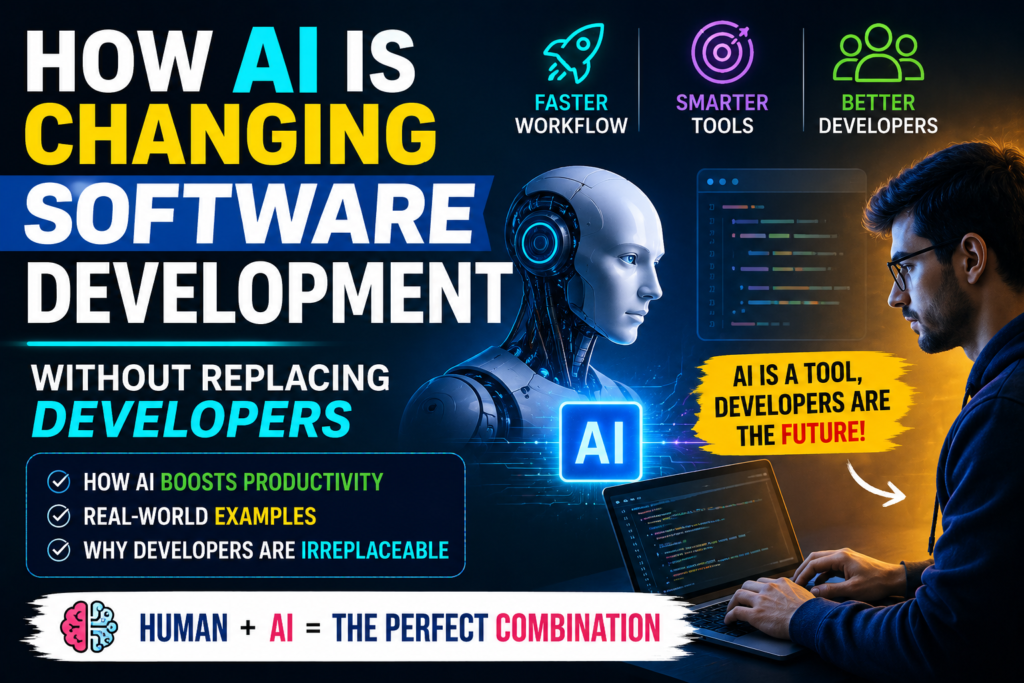
AI-assisted software development refers to using artificial intelligence tools—such as Large Language Models (LLMs), intelligent code completers, and autonomous coding agents—to assist throughout the software development lifecycle (SDLC).
Instead of replacing the developer’s role, these tools act as an always-available junior pair programmer. They process context from your files, suggest code completions, draft unit tests, format documentation, and highlight logical errors as you type.
Why People Use AI in Software Development
Writing code is often only 20% to 30% of a developer’s day. The rest goes toward reading legacy code, attending planning meetings, writing documentation, setting up build pipelines, and debugging environment issues.
Developers and engineering teams integrate AI into their daily stack primarily to:
- Eliminate Monotonous Tasks: Writing repetitive boilerplate code, data schemas, or configuration files takes minimal thought but eats up time.
- Reduce Context Switching: Instead of leaving the code editor to search technical documentation or Stack Overflow, developers can ask an inline assistant directly in their IDE.
- Speed Up Prototyping: Validating an idea or building a minimum viable product (MVP) can happen in hours instead of days.
- Lower Mental Fatigue: Automating syntax creation lets engineers conserve mental energy for complex architectural choices, system security, and business logic.
Key Features of Modern AI Coding Tools
               +-------------------------------------------+
               |        Modern AI Coding Platform          |
               +-------------------------------------------+
                                     |
    +------------------+-------------+-------------+-------------------+
    |                  |                           |                   |
    v                  v                           v                   v
+-------+      +---------------+           +---------------+   +---------------+
| Inline|      | Repository    |           | Multi-Agent   |   | Automated     |
| Auto- |      | Context       |           | Refactoring   |   | Test & Doc    |
|complete|     | Understanding |           | Workflows     |   | Generation    |
+-------+      +---------------+           +---------------+   +---------------+
Modern AI tools have evolved far beyond basic autocomplete. Key capabilities driving adoption include:
- Inline Code Generation: Suggests whole functions, loops, or blocks of code based on natural language comments or function signatures.
- Repository-Wide Context Awareness: Newer tools read your entire project’s codebase—not just the active file—allowing them to follow existing conventions, imports, and custom utility functions.
- Natural Language Refactoring: Instructing an assistant to “convert this promise chain to async/await” or “optimize this database query” instantly rewrites selected code blocks.
- Automated Test Generation: Generates unit tests and edge-case mocks based on existing application logic.
- Agentic Workflows: Autonomous agents can navigate multi-file edits, execute shell commands, read error logs, and attempt fixes independently before requesting human approval.
How It Works
AI coding models rely on deep neural networks trained on billions of lines of public and open-source source code. They do not “think” or understand software logic the way a human brain does. Instead, they operate on advanced pattern recognition and statistical prediction.
When you type a comment or a function signature, the tool analyzes surrounding context vectors, matches patterns learned during training, and predicts the most likely sequence of tokens (code) that should follow.
[ User Prompt / Code Context ]
              │
              ▼
[ Context Retrieval (RAG / Repo Scan) ]
              │
              ▼
[ LLM Pattern Matching & Token Prediction ]
              │
              ▼
[ Suggested Output in IDE ]
              │
              ▼
[ Human Engineer Review & Validation ]  <-- Crucial Step!
A Key Realization: Because AI tools operate on probability rather than logical understanding, their suggestions can look syntactically correct while harboring subtle logic bugs or security flaws. That is precisely why human developers remain necessary.
Practical Use Cases
To see how this works in real development, let’s explore practical applications across various stages of software engineering.
1. Generating Boilerplate and Setup Code
A developer building a REST API needs standard endpoints for user authentication, password resets, and database connections. Writing this manually takes time and offers little creative value. An AI tool can draft the initial Express or Django routes in seconds, leaving the developer to refine authorization rules and business logic.
2. Refactoring Legacy Codebases
A team maintaining a ten-year-old application might need to migrate older JavaScript code to modern TypeScript. Manually updating types, interfaces, and syntax across dozens of files takes days. Passing functions to an AI model speeds up this process by converting structures and adding type definitions, which the developer then checks against business rules.
3. Rapid Bug Diagnosis
When a build breaks with a 200-line stack trace, finding the root cause is exhausting. Pasting the error log into an AI chat helper often pinpoints the exact file and line causing the issue, along with a explanation of why it failed.
Step-by-Step Guide: Integrating AI into Your Development Workflow
If you want to use AI coding assistants effectively without acquiring bad habits or introducing security flaws, follow this structured process:
1.Select the Right Tool for Your Stack:Step 1.
Choose an AI extension or native editor that integrates into your development environment. Options like GitHub Copilot work well in VS Code and JetBrains IDEs, while Cursor provides an AI-native workspace.
2.Write Clear, Intentional Comments:Step 2.
AI assistants rely heavily on context. Before coding a function, write a detailed comment outlining its inputs, expected outputs, and constraints. For example: // Function to validate user email, check against SQL database, and return JWT token.
3.Review Code as a Senior Developer:Step 3.
Never accept AI-generated code without checking it line-by-line. Inspect variable names, verify loop boundaries, check for hardcoded credentials, and ensure edge cases are handled safely.
4.Run Local Tests and Linting Rules:Step 4.
Execute your test suite immediately after incorporating AI suggestions. Automatically generated code might pass static syntax checks while breaking underlying application state or business logic.
Benefits of AI in Software Engineering
- Significant Productivity Gains: Studies show developers complete routine tasks up to 50% faster when using AI tools for boilerplate generation and routine refactoring.
- Faster Onboarding: Engineers joining a massive, unfamiliar codebase can use AI assistants to explain confusing modules, trace function calls, and clarify system behavior without constantly interrupting senior team members.
- Continuous Skill Acquisition: Working with AI code tools exposes developers to new design patterns, library methods, and language idioms they might not have considered.
- Improved Test Coverage: Because AI generates unit tests quickly, developers write more tests, raising baseline code coverage across projects.
Limitations: Why Developers Aren’t Going Anywhere
Despite marketing claims from hype-driven tech blogs, AI tools have clear structural limitations. Understanding these weaknesses explains why human software engineers remain essential.
+-------------------------------------------------------------------+
|                     Where AI Falls Short                         |
+-------------------------------------------------------------------+
|  1. "Almost Right" Hallucinations & Subtle Logic Errors           |
|  2. Zero Understanding of Real-World Business Context             |
|  3. Architectural Inability & System Design Constraints           |
|  4. Security Vulnerabilities & Copyright Risks                    |
|  5. Lack of Empathy for End-User Experience (UX)                  |
+-------------------------------------------------------------------+
1. The “Almost Right” Problem
An AI assistant might generate 50 lines of Python code that look clean and idiomatic. However, line 34 might use an outdated library method, or line 12 might contain an off-by-one error. Finding a subtle bug hidden inside plausible-looking code can sometimes take longer than writing the logic from scratch.
2. Lack of Business Context
AI models do not understand your company’s business model, customer pain points, regulatory compliance needs, or legacy constraints. An AI can write a sorting algorithm, but it cannot decide whether your application should prioritize low-latency read operations over data consistency for a specific user base.
3. Architecture and System Design
Software engineering extends far beyond typing code syntax. It involves designing resilient distributed systems, selecting database schemas, balancing cloud infrastructure costs, managing security boundaries, and designing reliable failovers. AI tools can build individual components, but human engineers design the overall system.
4. Security Risks and Code Quality Issues
AI models are trained on public repositories, which means they can inadvertently reproduce known security flaws, outdated cryptographic methods, or inefficient patterns. Blindly accepting AI code introduces security vulnerabilities and raises technical debt if left unvetted.
Pros and Cons Table
| Category | Strengths (Pros) | Weaknesses (Cons) |
| Development Speed | Generates boilerplate code, basic functions, and test cases instantly. | Can cause delays when debugging subtle, AI-generated errors. |
| Learning & Research | Explains complex functions and syntaxes inline within the editor. | May suggest deprecated methods or hallucinate non-existent API endpoints. |
| Workflow Efficiency | Reduces repetitive typing and context switching. | Encourages over-reliance and copy-pasting among junior developers. |
| System Engineering | Helps draft individual helper scripts and utility modules. | Cannot architect complex distributed systems or interpret business requirements. |
Comparing Human Developers vs. AI Assistants
| Skill / Capability | Human Software Engineer | AI Coding Assistant |
| Syntax & Autocomplete | Moderate speed, prone to occasional typos. | Blazing fast, syntactically precise across 50+ languages. |
| System Architecture | High capacity; evaluates long-term trade-offs. | Extremely weak; operates primarily on localized file context. |
| Debugging Complex Bugs | Deep logical analysis across distributed components. | Fast at common errors; struggles with state-dependent bugs. |
| Business Logic & Requirements | Translates ambiguous business goals into functional specs. | Zero understanding of human context, compliance, or user intent. |
| Code Accountability | Fully responsible for system stability, security, and ethics. | Zero accountability or real-world understanding. |
Best AI Coding Tools in 2026
If you want to evaluate popular AI development assistants, here are the leading options used across the tech industry:
1. GitHub Copilot
- Overview: The market pioneer, backed by Microsoft and OpenAI. Integrates smoothly with VS Code, Visual Studio, and JetBrains.
- Best For: Developers looking for inline code completion and workspace chat integration.
- Pricing: Free tier available; paid individual plans start at $10/month.
2. Cursor IDE
- Overview: An AI-native fork of VS Code built around contextual edits and terminal agent capabilities.
- Best For: Engineers who want repo-wide refactoring and natural-language edits across multiple files.
- Pricing: Free plan with usage limits; Pro plans start at $20/month.
3. Claude Code / Anthropic
- Overview: Terminal-focused, agentic coding assistant powered by Claude models.
- Best For: Advanced reasoning, deep bug hunting, and multi-step terminal tasks.
- Pricing: Pay-per-token API usage or included with Claude subscriptions.
Common Mistakes Developers Make with AI Tools
Warning: Relying blindly on AI suggestions without understanding the underlying code is the fastest way to accumulate unmaintainable technical debt.
Avoid these common pitfalls when using AI coding assistants:
- Accepting Suggestions Unexamined: Treating AI output as verified source code leads to hidden security flaws and logic errors.
- Skipping Manual Code Reviews: Team pull requests must be vetted carefully, especially when code is generated quickly.
- Pasting Confidential Keys or Proprietary Code: Feeding sensitive API keys, customer PII, or internal secrets into unvetted public AI tools creates major data privacy risks.
- Neglecting Fundamental Computer Science Basics: Relying entirely on AI for basic data structures, algorithms, and design patterns erodes problem-solving skills over time.
Frequently Asked Questions
1. Will AI replace software developers in the future?
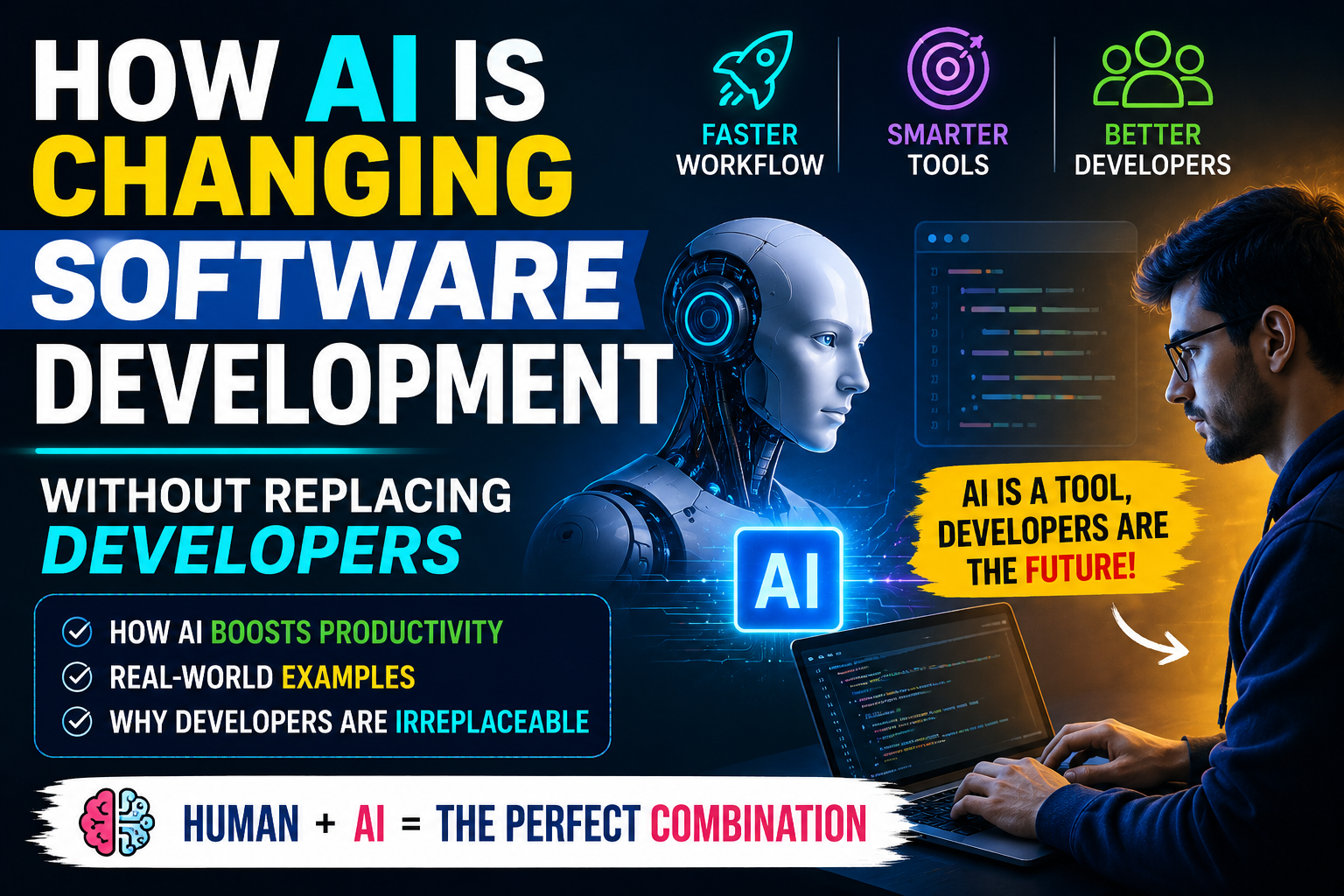
No. AI is changing the nature of software development, not eliminating human developers. While AI automates repetitive coding tasks, human engineers are still needed to define architecture, verify security, translate business requirements, and maintain systems.
2. Should beginners still learn to code now that AI exists?
Yes. Learning fundamental programming concepts—like logic flow, data structures, and system design—is essential. You cannot spot errors in AI-generated code or guide an AI tool effectively if you don’t understand how code works under the hood.
3. How does AI affect junior software developers?
Junior developers are shifting away from manual syntax writing toward code review, testing, and system verification. Entry-level engineers who learn to pair their coding knowledge with AI tools become productive much faster.
4. What is the biggest risk of using AI in software development?
The biggest risk is code quality degradation and security vulnerabilities. AI models can generate vulnerable code or create subtle bugs that pass surface-level checks, adding technical debt over time.
5. What programming languages do AI tools support best?
AI assistants support popular, heavily documented languages best—including Python, JavaScript, TypeScript, Java, C#, and Go. They are slightly less reliable with niche or domain-specific languages.
6. Can AI write an entire production-ready app on its own?
No. While AI can build simple single-page tools or basic MVPs, it struggles to construct complex enterprise systems requiring custom business logic, third-party integrations, and robust database architecture.
7. What is an AI coding agent?
An AI coding agent is an advanced assistant that can plan multi-step technical tasks, run terminal commands, read build errors, edit across multiple files, and verify its own work before asking for human approval.
8. How do enterprise software teams safely use AI?
Companies use enterprise plans that guarantee data privacy—ensuring internal code isn’t used to train public AI models—alongside mandatory automated security scanning and peer code reviews.
9. Will software developer salaries drop because of AI?
Data indicates that skilled developers who combine core software engineering skills with AI workflows remain in high demand. The role is shifting toward high-value orchestration, system design, and security engineering.
10. How can I start using AI in my daily coding workflow?
Install an extension like GitHub Copilot or try an AI editor like Cursor. Start small by using the assistant to generate unit tests, write documentation comments, and explain unfamiliar code modules.
Final Thoughts
AI is fundamentally altering software engineering, but it is not writing developers out of the script. The true impact of AI is productivity multiplication: it removes tedious setup, speeds up bug hunting, and turns hours of boilerplate typing into a few minutes of refined prompt drafting.