Introduction
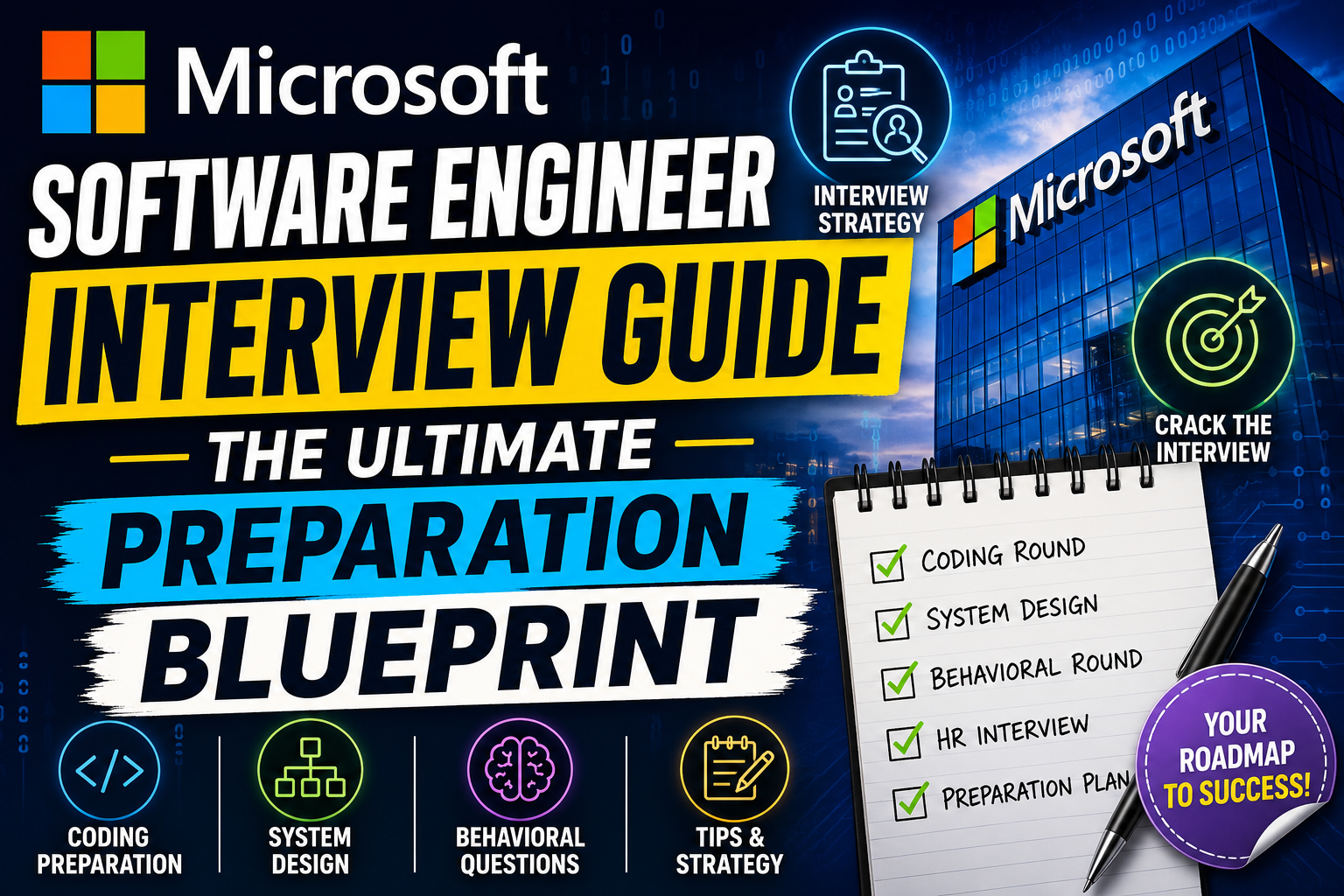
Landing a software engineering role at Microsoft is a career-defining milestone for many developers. The company is known for building foundational technology, from cloud infrastructure to operating systems, meaning the engineering scale is massive. However, the hiring process is notoriously rigorous, leaving many candidates overwhelmed by the sheer volume of topics they need to master.
Many applicants spend weeks solving random coding puzzles without a clear strategy. They jump from dynamic programming to system design without understanding what Microsoft interviewers actually look for. This approach often leads to burnout and rejection.
The secret to success is not memorizing hundreds of solutions. Instead, you need to understand the structural patterns of the interview, the specific engineering culture at Microsoft, and how to communicate your problem-solving process in real time. This guide breaks down the entire process into actionable steps so you can approach your interview day with confidence.
What Is the Microsoft Software Engineer Interview Guide?
This guide is a structured framework designed to help software engineers navigate Microsoft’s technical assessment pipeline. Unlike generic coding advice, this guide focuses specifically on Microsoft’s unique interview structure, assessment criteria, and cultural expectations.
Microsoft evaluates candidates not just on their ability to write functional code, but on how they handle ambiguity, optimize resource usage, and collaborate within a team. This guide compiles data from successful candidates, industry trends, and internal engineering rubrics to give you a transparent look at the expectations for individual contributor (IC) roles.
Why People Use This Interview Guide
Preparing for Big Tech interviews without a roadmap is like sailing without a compass. Candidates use a structured guide because it saves time and prevents wasted effort on topics that rarely appear in Microsoft interviews.
Microsoft’s questions tend to focus heavily on practical application. While some companies lean toward highly abstract puzzle-like questions, Microsoft interviewers frequently ask you to design systems or write algorithms that mimic real-world scenarios, such as file systems, cloud API rate limiters, or data processing pipelines. A targeted guide helps you shift your mindset from pure academic theory to practical, production-ready engineering.
Key Features of the Microsoft Interview Process
The interview loop at Microsoft generally consists of three major stages. Each stage tests a specific subset of your technical and professional capabilities.
1. The Initial Screening (Recruiter & Technical)
The process begins with a recruiter call to verify your background, followed by a 45 to 60-minute technical screen. This screen usually takes place over a platform like HackerRank or Microsoft Teams, where you will solve one or two medium-difficulty coding problems.
2. The Onsite Loop (4 to 5 Rounds)
If you pass the screening, you move to the onsite panel (often conducted virtually). This consists of multiple consecutive or split rounds:
- Coding & Data Structures (2-3 rounds): Focused on core algorithmic problem-solving.
- System Design (1-2 rounds): Required for mid-level (L61/L62) and mandatory for senior (L63+) roles.
- Behavioral & Culture Fit (1 round): Often led by a Hiring Manager, focused on Microsoft’s core values and growth mindset.
3. The “As Appropriate” (AA) Round
The AA interviewer acts as a quality bar checker. They hold veto power over the hiring decision and ensure that the candidate meets Microsoft’s long-term talent standards rather than just filling an immediate team vacancy.
How It Works: The Evaluation Rubric
Microsoft evaluates candidates using a specific set of core competencies rather than a simple “pass/fail” grade on whether the code compiled. Understanding these competencies helps you phrase your answers correctly during the interview.
Candidate Evaluation Matrix:
├── Data Structures & Algorithms (Correctness, Complexity, Edge Cases)
├── System Design & Architecture (Scalability, Trade-offs, Modular Design)
├── Communication & Collaboration (Clarity, Responsiveness to Hints)
└── Growth Mindset & Core Values (Handling Failure, Adaptability)
During each round, the interviewer fills out feedback based on these four pillars. For example, if you solve a coding problem perfectly but fail to explain your thought process or ignore the interviewer’s feedback, you may score low on communication and collaboration, leading to a rejection.
Practical Use Cases: When to Focus on Specific Topics
Different engineering teams at Microsoft emphasize different skills. Aligning your preparation with your target team or experience level will yield better results.
- For Azure Cloud Teams: Focus heavily on distributed systems, concurrency, networking protocols, and system design concepts like sharding, caching, and load balancing.
- For Windows or Low-Level Teams: Deepen your knowledge of memory management, operating system fundamentals, pointers, and language-specific optimizations (C/C++).
- For University Graduates (SDE I): Allocate 80% of your time to Data Structures and Algorithms (DSA) and object-oriented design. System design expectations are minimal or non-existent here.
- For Senior Engineers (SDE II and above): Prioritize system design, architectural trade-offs, and behavioral scenarios focused on leadership, conflict resolution, and cross-team collaboration.
Step-by-Step Guide to Cracking the Interview
Step 1: Master the Core Data Structures
Do not skip basics. Ensure you can confidently implement, manipulate, and analyze the time and space complexity of:
- Arrays, Linked Lists, and Strings
- Hash Maps and Sets
- Stacks and Queues
- Trees (Binary Trees, BSTs, Tries)
- Graphs (Representations, BFS, DFS)
- Heaps (Priority Queues)
Step 2: Practice Targeted Coding Patterns
Instead of memorizing individual LeetCode problems, study problem-solving patterns. Microsoft interviews lean heavily toward:
- Two Pointers and Sliding Window
- Breadth-First Search (BFS) and Depth-First Search (DFS) for tree and graph traversals
- Topological Sort
- Merge Intervals
- Binary Search variations
Step 3: Learn the 4-Step System Design Framework
When hit with a system design question (e.g., “Design OneDrive”), use a structured approach:
- Scope the Problem: Ask clarifying questions to define features, scale (QPS, storage), and constraints.
- High-Level Design: Draw the core components (Client, Load Balancer, API Gateway, Database, Storage).
- Deep Dive: Explore specific components (e.g., how file syncing handles network interruptions, data deduplication).
- Identify Bottlenecks: Discuss single points of failure, scaling strategies, and trade-offs.
Step 4: Prepare Stories via the STAR Method
For the behavioral round, prepare 4 to 5 real stories from your past projects. Format them using the STAR method:
- Situation: Set the context of the project or problem.
- Task: Explain your specific responsibility.
- Action: Describe exactly what you did, highlighting your technical or leadership decisions.
- Result: Quantify the outcome (e.g., “reduced latency by 20%,” “delivered the feature two weeks ahead of schedule”).
Benefits of Using a Structured Approach
- Reduces Prep Time: By focusing on high-probability patterns instead of random problems, you cut down preparation time by weeks.
- Builds Communication Habits: Practicing how to voice your thoughts ensures you do not sit in silence during the actual interview, which is a major red flag for interviewers.
- Minimizes Interview Anxiety: Knowing the exact structure of the upcoming rounds helps reduce performance anxiety, allowing you to focus purely on the technical challenges.
Limitations of Standard Prep Tools
While platforms like LeetCode or system design books are incredibly helpful, they have clear boundaries. A major limitation is that automated grading platforms only check if your code passes test cases. They cannot evaluate how well you explain your approach, how clean your code architecture is, or how you react when an interviewer changes the problem constraints halfway through the session.
Additionally, mock interview platforms can sometimes provide inconsistent feedback depending on the experience level of the peer interviewer you match with. It is important to combine automated tools with realistic, verbal practice sessions.
Pros and Cons of Microsoft’s Interview Style
| Pros | Cons |
|---|---|
| Focuses heavily on practical engineering problems over abstract riddles. | The process can take several weeks from initial contact to offer. |
| Interviewers are generally collaborative and provide helpful hints. | Heavy emphasis on the “AA” round can lead to rejection even if other rounds went well. |
| The behavioral round values a “growth mindset” over flawless perfection. | System design expectations for mid-level roles can vary significantly between teams. |
Comparison: Microsoft vs. Other Big Tech Interviews
| Feature | Microsoft | Meta (Facebook) | |
|---|---|---|---|
| Coding Speed Expectation | Moderate (Focuses on clean, maintainable structure) | High (Expects 2 medium problems solved in 45 mins) | Moderate to High (Heavy focus on optimal algorithms) |
| System Design Focus | Practical, integration-heavy, cloud-centric | Massive scale, product-focused architecture | Deep algorithmic scaling, distributed infrastructure |
| Behavioral Alignment | Growth Mindset, collaboration, empathy | Fast execution, impact, open culture | “Googliness,” navigating ambiguity, leadership |
Common Mistakes Users Make During Preparation
- Coding in Silence: Many candidates write out a perfect solution on the screen without saying a single word. Interviewers want to understand your thought process. If you stay silent, they cannot evaluate your collaborative skills.
- Jumping Straight to Code: When given a problem, do not immediately start typing lines of code. Stop, clarify the input/output boundaries, state your brute-force approach, get confirmation from the interviewer, and then begin writing.
- Ignoring Edge Cases: Forgetting to handle null inputs, empty arrays, or integer overflow points can easily drop your score from a strong hire to a weak hire.
- Over-engineering System Designs: Trying to include every modern buzzword tool (Kafka, Kubernetes, Redis, Cassandra) into a single design without justifying why it is needed shows a lack of practical engineering sense.
Frequently Asked Questions
1. How long does the Microsoft interview loop take?
The entire process usually takes anywhere from 3 to 6 weeks. This timeline depends on recruiter availability, your schedule, and the specific team’s hiring urgency.
2. Can I choose my preferred programming language?
Yes. Microsoft allows you to use any standard programming language you are comfortable with, such as Java, C++, Python, or C#. It is best to use the language you know most deeply.
3. Does Microsoft ask dynamic programming (DP) questions?
While DP questions can appear, they are significantly less common at Microsoft compared to companies like Google. Microsoft interviewers generally prefer arrays, strings, trees, graphs, and system design.
4. What is Satya Nadella’s “Growth Mindset” and why does it matter?
A growth mindset means you view failures as opportunities to learn rather than static limitations. In interviews, show this by openly accepting hints, analyzing your own code errors constructively, and demonstrating curiosity.
5. Is system design required for entry-level SDE I roles?
No, university grads and entry-level applicants are rarely tested on full system design. Expect a heavy focus on data structures, algorithms, and simple object-oriented design principles.
6. What happens if I fail one round in the onsite loop?
Microsoft looks at the complete picture. A weak performance in one technical round can be balanced out by exceptional scores in your other technical and behavioral rounds, provided it wasn’t a major red flag.
7. How far back should my behavioral stories go?
Focus on projects from the last 2 to 3 years. If you are a student, use your most recent internships, major capstone projects, or significant open-source contributions.
8. Does Microsoft require whiteboarding or typing code on a laptop?
Virtual interviews utilize collaborative code editors (like HackerRank or internal tools) where you type code without auto-complete or compilation features.
9. Can I apply to multiple teams at Microsoft simultaneously?
Yes, you can apply to multiple job openings. However, your active interview loops are typically tracked, and recruiters usually prefer that you complete one active interview process at a time.
10. How long do I have to wait to reapply if I get rejected?
The standard cooldown period at Microsoft is 6 to 12 months. Use this time to significantly improve your technical skills and project portfolio before applying again.
Final Thoughts
Preparing for a Microsoft software engineer interview requires a balanced approach to technical mastery and interpersonal communication. Focus on understanding core structural patterns in coding, mastering high-level architectural design blocks, and refining your professional stories to match Microsoft’s culture of collaboration and growth.
If you are a beginner or a junior engineer, dedicate most of your time to solidifying your fundamentals in data structures and writing clean, readable code. If you are an experienced or senior developer, pivot your energy toward system scalability, handling ambiguity, and demonstrating leadership through past project architectural decisions. Avoid the trap of mindless problem memorization; instead, practice speaking clearly while writing code to give yourself the best possible advantage on interview day.