What Is a Design Document?
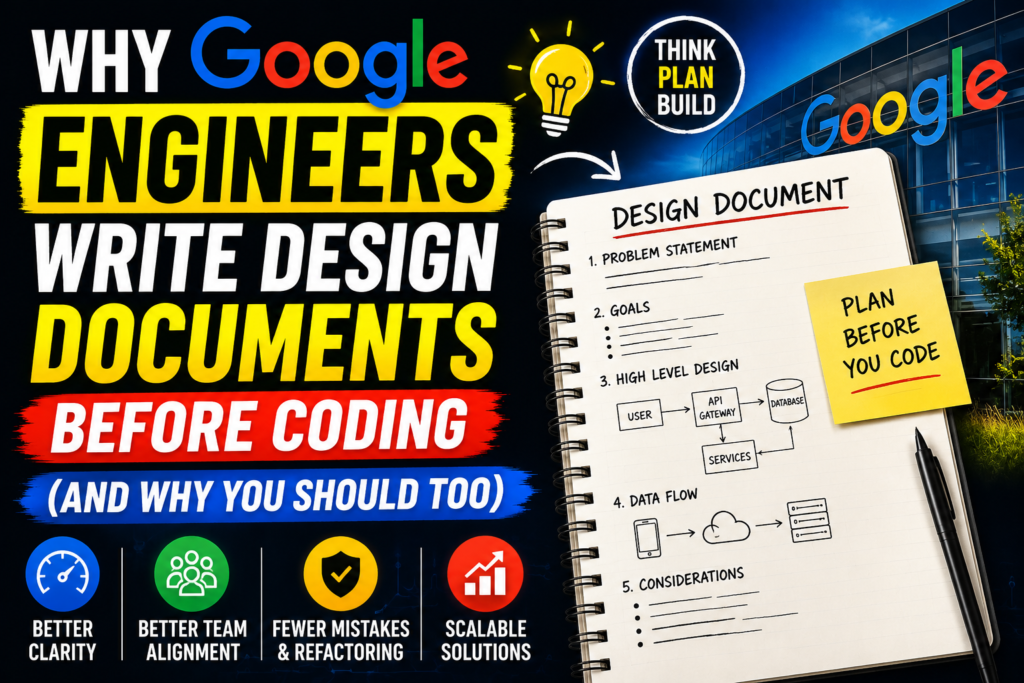
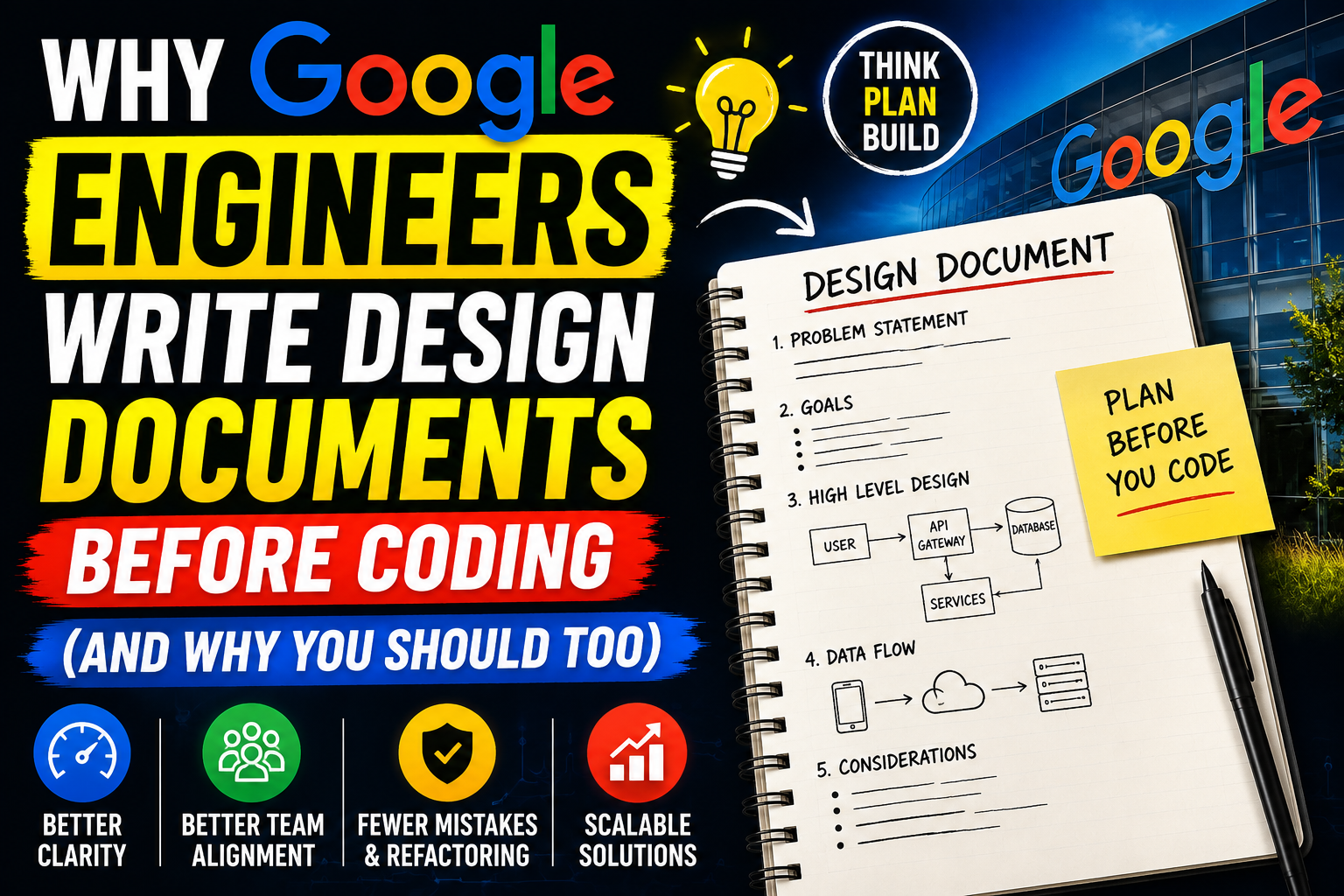
A design document is a relatively short, highly focused text document that describes the technical strategy for solving a specific software problem. It is not an encyclopedia or a 200-page product specification. Instead, it is a blueprint.
Think of it like building a house. You would never hire a crew, buy bricks, and start pouring concrete without a blueprint. The blueprint ensures the doors line up, the plumbing works, and the roof will not collapse under heavy snow. In the software world, a design doc serves the exact same purpose.
At Google, these documents are usually shared with the entire engineering team—or a specific sub-team—long before production code is initiated. Anyone from a junior intern to a principal engineer can read it, comment on it, and challenge the assumptions made by the author.
Why People Use Design Documents
The primary reason software teams use design documents is to move fast by slowing down. It sounds counterintuitive, but writing down a plan saves an immense amount of time in the long run.
When a team scales beyond three or four developers, keeping everyone aligned becomes difficult. One developer might assume the system will use a relational database, while another assumes a NoSQL solution is better. If they both start coding without talking, merging their work becomes a total disaster.
A design doc acts as a forcing function for clarity. It is incredibly easy to trick yourself into thinking you understand a problem when it is just an abstract idea in your head. The moment you try to explain it in plain text to another human being, the gaps in your logic appear.
Key Features of a Great Design Doc
While every company customized its templates, a highly functional design document almost always contains these core elements:
- Context and Goals: A brief explanation of what problem is being solved and why it matters right now.
- Non-Goals: A critical list of things the project will not solve. This stops scope creep dead in its tracks.
- The Proposed Architecture: The meat of the document. It details the system design, data models, APIs, and workflows.
- Alternative Designs Considered: A section explaining two or three other ways to solve the problem, and exactly why they were rejected.
- Cross-Functional Impacts: How this change affects security, user privacy, system latency, operational costs, and observability.
How It Works in Practice
The design document lifecycle is inherently collaborative. It transforms software development from an isolated task into a team sport.
A developer notices that the user notification system drops messages when traffic spikes. Instead of jumping into the codebase to patch the issue, they write a three-page design document outlining a migration to a message queue architecture.
Once the draft is complete, they share the link with their team. Over the next 48 hours, teammates drop comments, ask questions, and probe for edge cases. Once the major concerns are resolved and consensus is reached, the document is marked as “approved.” Only then does the engineer open their code editor.
Practical Use Cases
1. Breaking Down a Monolith into Microservices
Migrating a legacy application to microservices is incredibly risky. A design document allows engineers to map out exactly how services will communicate, how data consistency will be maintained, and how rollbacks will function if things go wrong.
2. Designing a New Public API
Once a public API is shipped, changing it is incredibly painful because you break things for external clients who rely on it. Writing a design document forces you to think through endpoint naming conventions, payload structures, and rate-limiting before exposing the API to the world.
3. Introducing a Third-Party Tool
If a team wants to integrate a external payment gateway or analytics engine, a design doc maps out how the new system fits alongside existing databases, how user data is protected, and what happens if the vendor suffers an outage.
Step-by-Step Guide to Writing Your First Design Doc
Writing a design document does not have to be an intimidating chore. Follow these steps to draft a clean, highly effective document for your next project.
Step 1: Clearly Define the Problem and Constraints
Start by stating the current state of the system and why it is no longer adequate. Use concrete metrics if you have them. For example, instead of writing “The system is slow,” write “Our API response times spike past 2.5 seconds when checkout traffic exceeds 500 requests per minute.”
Step 2: List What Is Out of Scope (Non-Goals)
Explicitly outline what you are not fixing. If you are optimizing the database checkout speed, state clearly that modifying the frontend user interface is out of scope for this specific initiative. This keeps the project manageable.
Step 3: Sketch the System Architecture
Explain your technical approach. Use simple block diagrams to illustrate how data flows between components. You do not need formal UML diagrams; clear, readable boxes and arrows work perfectly.
Step 4: Detail the Trade-offs and Alternatives
Explain why you chose this path over others. If you picked PostgreSQL over Redis, document the reasoning. This prevents future engineers from looking at your code a year later and asking, “Why on earth did they build it this way?”
Step 5: Open the Document for Feedback
Share the document with your peers. Actively encourage people to point out flaws. It is much easier to delete a paragraph in a text document than it is to refactor a week’s worth of production code.
The Benefits of Design-First Development
- Massively Reduces Wasted Work: Catching a major flaw during a text-based review prevents weeks of useless implementation.
- Improves Code Quality: Because the architecture is already agreed upon, code reviews can focus on readability, optimization, and testing rather than fundamental debates about structure.
- Acts as Long-Term Documentation: When a new engineer joins the team, reading past design documents is the fastest way to understand why the system is built the way it is.
- Democratizes Decision Making: It allows quiet or junior team members to contribute valuable insights asynchronously without needing to fight for airtime in a loud meeting.
Limitations and Trade-offs
While the design-first approach is incredibly powerful, it is not a silver bullet and comes with its own set of drawbacks:
- Initial Overhead: It delays the start of actual coding. If a project is incredibly urgent or simple, spending days drafting a document can feel frustrating.
- Risk of Analysis Paralysis: Teams can occasionally get stuck in endless debate cycles in the comments section, delaying progress over minor theoretical edge cases.
- Maintenance Decay: As software evolves rapidly over the years, older design documents are rarely updated to reflect the absolute current state of the codebase, meaning they eventually become historical records rather than current source-of-truth maps.
Pros and Cons Table
| Pros | Cons |
| Catches major structural bugs before they are coded | Slows down the initial phase of development |
| Forces clear technical thinking and clear constraints | Can lead to arguments and analysis paralysis if unmanaged |
| Leaves a valuable historical record of engineering choices | Documents can become outdated if code deviates later |
| Keeps distributed and remote teams perfectly aligned | Feels like unnecessary bureaucracy for trivial fixes |
When to Skip the Design Doc (Alternative Paths)
You do not need to write a design document for every minor task. Doing so would paralyze your development velocity.
For small bug fixes, minor UI adjustments, or trivial performance tweaks, traditional agile workflows—like creating a simple Jira ticket or GitHub Issue with a brief description—are perfectly sufficient.
If you are building a throwaway prototype or a quick Proof of Concept (PoC) to see if an idea is even viable, skip the documentation entirely. Hack the code together as fast as possible, see if it works, and then write a design document when you are ready to build the real production version.
Common Mistakes Users Make
- Writing an Entire Book: A design doc should ideally be between two and five pages. If your document is twenty pages long, you are trying to solve too many problems at once. Break it up.
- Treating it as a Absolute Dictatorship: If you write a design doc simply to tell people what you are going to do without listening to their feedback, you miss the entire point of the exercise.
- Failing to Update Major Changes: If the team agrees to change the architecture halfway through coding, take five minutes to update the design document so it remains an accurate reference point.
Frequently Asked Questions
How long should a typical design document be?
For most features, a design document should be around 2 to 5 pages long. Keeping it concise ensures that your teammates will actually read it and provide meaningful feedback.
Do junior developers write design documents at Google?
Yes. Writing design docs is an excellent way for junior developers to validate their ideas with senior team members before spending days writing code that might miss the mark structurally.
What tools do teams use to manage design docs?
Most engineering teams rely on standard collaboration tools like Google Docs, Notion, Confluence, or raw Markdown files stored directly inside the project’s Git repository.
Should we write design docs for small bug fixes?
No. Design documents are meant for substantial changes, new features, or architectural overhauls. Small bug fixes can be handled through standard task descriptions and code pull requests.
How do you prevent endless debates in a design doc?
The author or a designated Tech Lead must eventually set a deadline for comments. Once the deadline passes, the lead makes a final decision, updates the document, and moves the team into implementation mode.
What is the difference between a PRD and a technical design doc?
A Product Requirement Document (PRD) is usually written by a Product Manager to explain what problem the business needs to solve for the user. A design doc is written by an engineer to explain how the technology will solve it.
Does writing design docs slow down a startup?
For an early-stage startup trying to find product-market fit, heavy documentation can slow things down. However, writing lightweight, 1-page design outlines for core features can prevent catastrophic technical debt.
How do you handle diagrams in text-based design docs?
Simple block diagrams made with tools like Mermaid.js, Excalidraw, or Miro work best. They should focus on clear system boundaries and data paths rather than hyper-detailed component layouts.
Who should review a technical design document?
The document should be reviewed by your immediate engineering teammates, relevant Tech Leads, and any cross-functional engineering teams whose services interact directly with your systems.
What happens if the implementation changes during coding?
If you discover a major technical blocker while coding that forces you to change your architectural approach, update the design doc and tag your reviewers so everyone stays aligned.
Final Thoughts
Writing design documents before coding shifts your engineering mindset from reactive patching to proactive building. It transforms coding from an ad-hoc exercise into a deliberate, well-executed strategy.
If you are a solo developer working on hobby projects or a tiny startup moving at light speed, a formal design document process might feel like unnecessary overhead. You are likely better off sticking to lightweight task lists.
However, if you work in a growing engineering team, find yourself frequently rewriting code due to miscommunication, or want to transition into an architectural or senior leadership role, learning to write clear technical design documents is one of the most valuable career skills you can cultivate. It ensures that when you finally sit down to write code, you are building on solid rock rather than shifting sand.